
Track Field Employee Travel and Client Visits, With Conveyance Linked to Payroll
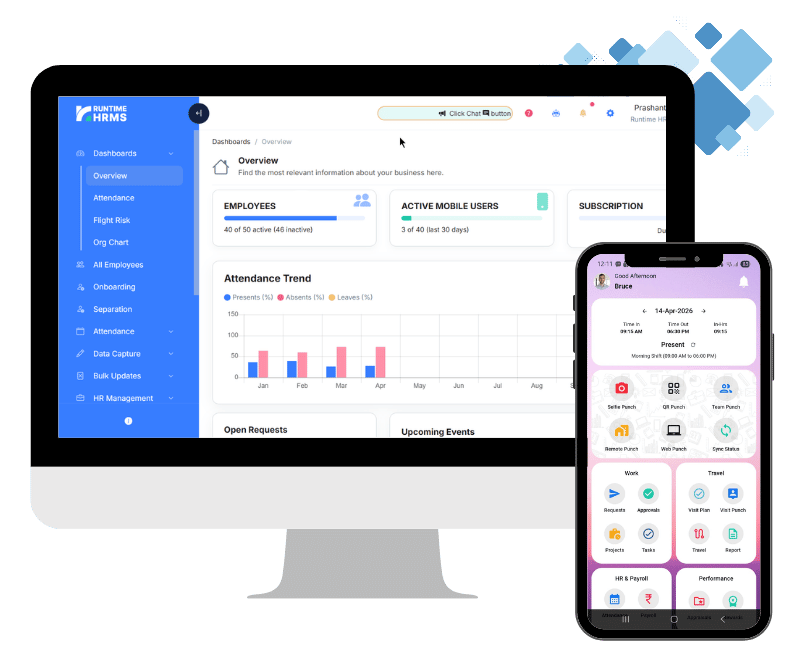
If your sales or field team claims travel expenses, someone has to check the distance, apply the rate and carry the amount into payroll. Runtime HRMS records client visits and live travel on the employee’s phone, with route, distance and average speed, and calculates conveyance reimbursement from kilometers and a predefined rate per km, linked to payroll.
Tracking in-field and sales employees is now easier than ever! Use Runtime Workman App to keep a track of client visits, travel routes, distance traveled and more. With in-built conveyance reimbursement calculation, our extensive travel and visit management solution will help you process reimbursements timely to your employees.
- No credit card required
- Free Onboarding
- 7-days free trial
- Signup to Payroll in 30 mins
How Travel Tracking Works?
Track Client Visits, Distance Traveled and Automate Fuel Reimbursements with Travel Tracking

Client Visits
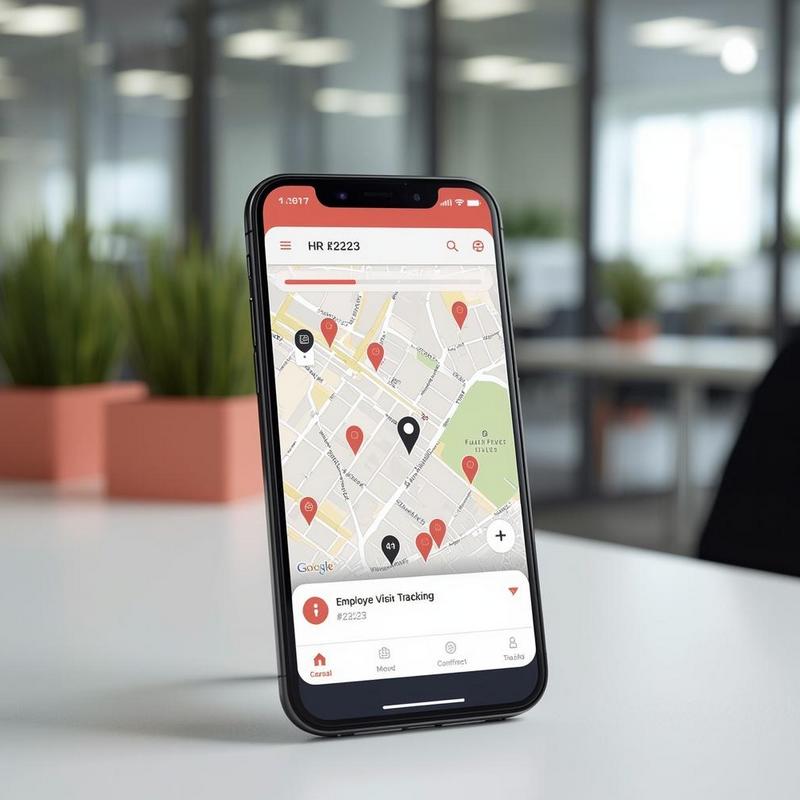
Using Travel Punch, employees can record client visits along-with client details like name, mobile, company and more.

Live Travel
Live Travel lets employees record their travel during a day and shows the route map and distance traveled upon travel completion.

Reimbursements
Data from Live Travel or Travel Punches can be used to calculate distance traveled by employees and linked to payroll for fuel reimbursements.
When to use Visit Tracking?
Today, business is carried out in field. When your executives visit clients, it is important to capture client information like name, address, contact information and remarks. If this information is not captured at the instant, it is lost in abyss.
With our Visit Management feature, field executives can capture client information on the spot. The location and address of client is auto-fetched based on GPS location of the mobile.
- Quick Capture
- Locality Address
- Enhanced Productivity
- Geo Tagging
- Minimum Training Needed

When to use Live Travel Tracking?
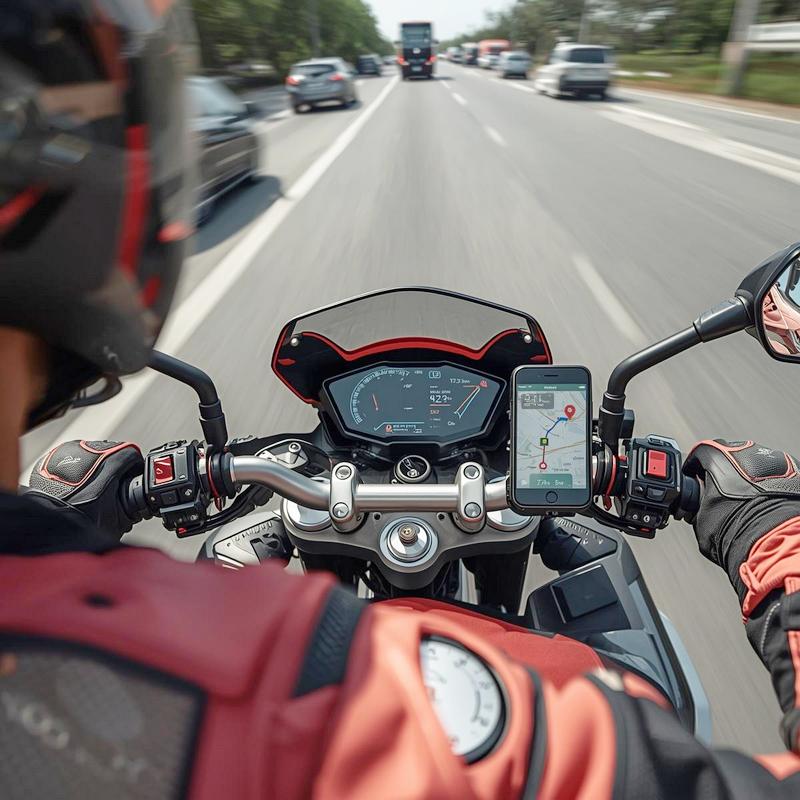
Are you worried about the time spent by executives during travel? Do you want to know precisely which route was taken by the executives while traveling on official duty?
With Live Travel Tracking, the entire route of traveled by executives is mapped and available for review in an easy interface.
- Track User Movement
- View Route Taken
- Distance Calculation
- Average Speed
- Travelling to remote locations
Frequently Asked Questions
Got Questions?
We’ve Got Answers.
Clear your doubts with most frequently asked questions on visit and travel tracking features.
How is Travel or Visit tracking used for fuel reimbursement?
Data from Live Travel or Travel Punches can be used to calculate the distance traveled by employees for work-related purposes. This data can then be linked to payroll for fuel reimbursements with a pre-defined rate per km. The system automatically calculates the amount payable by multiplying kms. traveled with rate per km. This simplifies the process of reimbursement and ensures accurate processing of claims.
How does travel and visit tracking work offline?
When an executive capture visit data while internet is not available on device, the data is saved on user device offline. Once the user is back online, the app syncs the data to Runtime HRMS servers. This requires no additional steps at user end and works automatically.
Does travel or visit tracking increases the battery consumption?
Visit tracking has no impact on battery consumption, since its a one-time location fetch when user submits the visit punch. However, when user starts live travel tracking, the location is continuously tracked in the background, even if the app is not on the foreground. This increases the battery consumption. Users must be made aware about this so that they can keep their devices charged.
What permissions are required for travel and visit tracking?
For Visit Tracking, the app needs Location permissions while using the app. When the user submits the visit details, the app will ask for these permissions if not already granted. User can allow these permissions ‘While using the app’ to submit the request successfully.
Live Travel Tracking, on the other hand, requires background location permissions. These permissions cannot be requested by the app on its own due to security reasons enforced by Android and iOS. The user has to go to Settings > App Settings > Permissions and grant ‘Always Allow’ location permissions for Live Travel to work.
Our Esteemed Clients










Get started for free
Signup now to start your 7-day free trial, no credit card required.
Enjoy fully featured Payroll & HR tools and eliminate the hassle of payroll every month.