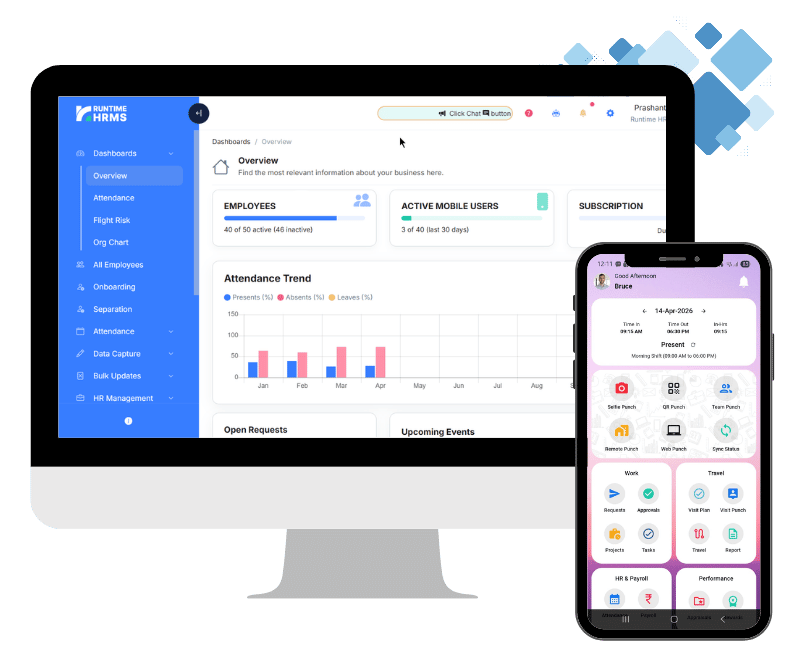
Simple, Fast and Paperless Employee Onboarding Software
A new hire’s first two weeks tell them a lot about what it’s actually like to work at your company, and most of that impression gets made before their laptop even arrives. Runtime HRMS gives new joiners a branded self-onboarding portal where they can fill in their details, upload documents, and complete paperwork on their own time – so your HR team reviews and approves instead of typing everything in manually. By the time someone walks in on day one, the forms are already done.
- No credit card required
- Free Onboarding
- 7-days free trial
- Setup in days, not months
Our Esteemed Clients




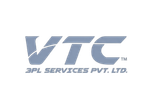





Why HR Teams Choose Runtime HRMS For Employee Onboarding
Most onboarding delays don’t come from a single big problem – they come from a dozen small ones piling up. A form that has to be printed and signed, a document that gets emailed to the wrong inbox, a laptop request that nobody remembers to raise until the new hire is already sitting at an empty desk. Runtime HRMS moves all of that onto one portal built for the new joiner, so HR spends its time reviewing and approving instead of chasing paperwork.

Branded Self-Onboarding Portal
New hires fill in their own details, upload documents, and complete forms on a portal that carries your company’s branding, not a generic template.
Document Collection & Verification
Offer letters, ID proofs, education certificates, and bank details all come in through one place, ready for HR to check off instead of following up over email.

Day-One Readiness
Access, provisioning, and welcome details are set up in advance, so a new hire’s first day is spent getting oriented instead of filling out the same forms twice.
Follow Every Onboarding Case From Draft to Approved
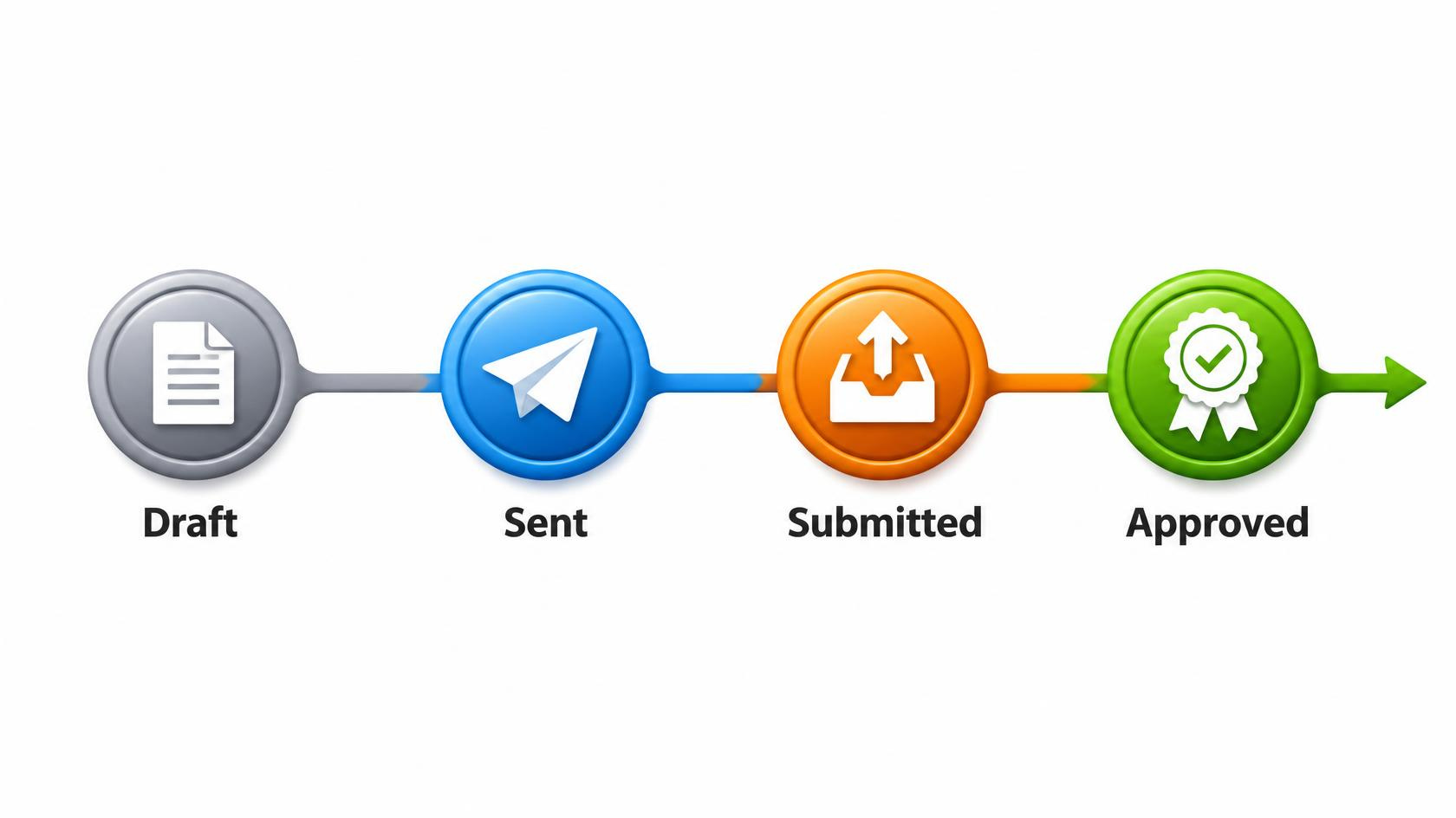
Not every new hire needs to go through the same door either. Someone joining after a quick internal transfer might just need to be added directly as an employee, while a new external hire needs the full onboarding flow – offer acceptance, documents, forms, approval. Runtime HRMS supports both, and once a case is running, it moves through four clear stages: Draft, Sent, Submitted, and Approved, so HR always knows exactly where a case stands instead of guessing from the last email exchange.
- Start a full onboarding case, or add someone directly as an employee, depending on what the situation calls for
- See exactly which stage each case is in – Draft, Sent, Submitted, or Approved
- Move a case from submission straight to an approved employee record, without re-entering data
Digital Document Collection Software To Keep Every New Hire’s Paperwork in One Place
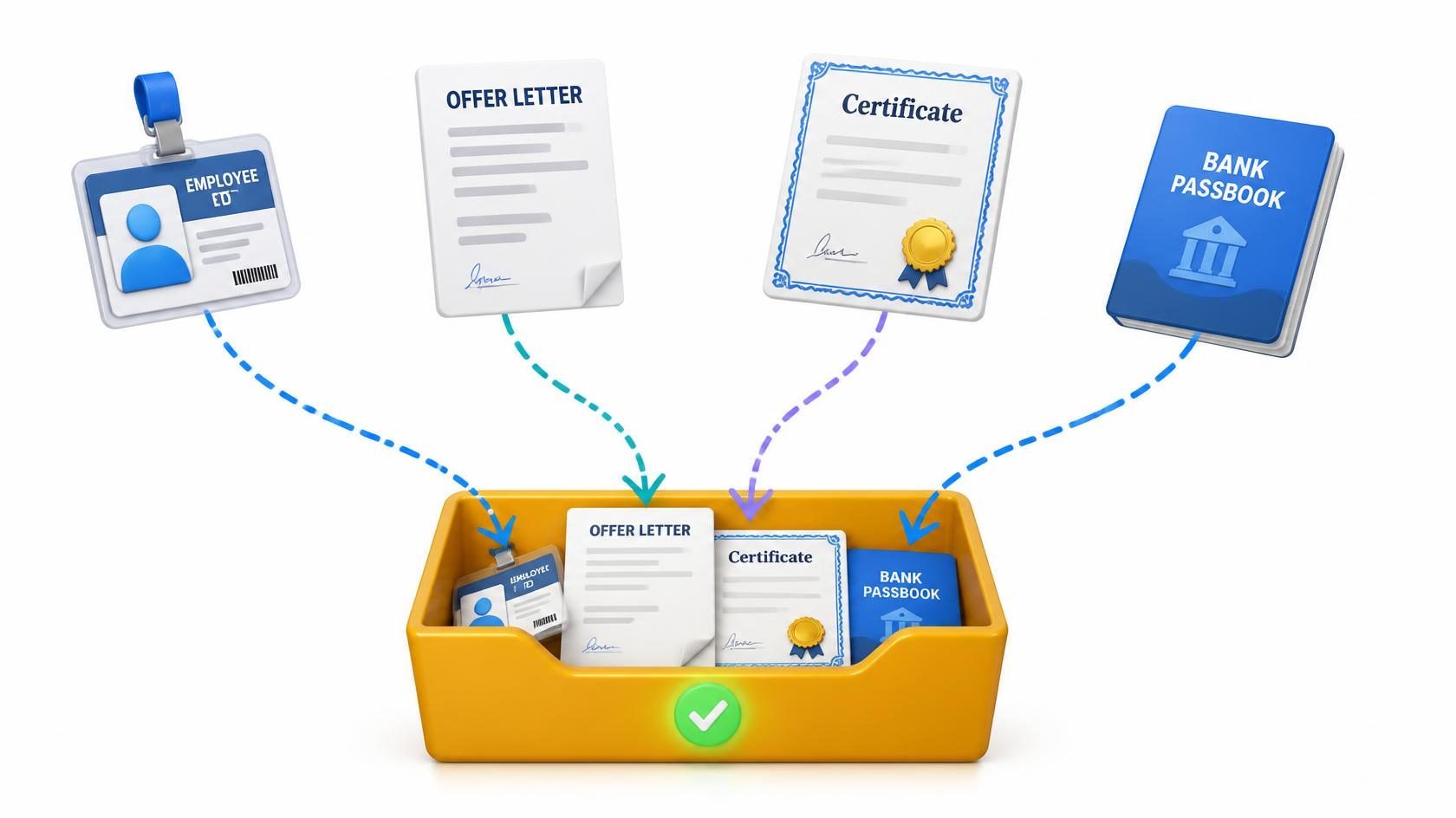
Onboarding paperwork has a habit of scattering itself across email attachments, WhatsApp forwards, and physical folders that someone has to chase down later. Runtime HRMS gives new hires one place to upload everything – offer letter acceptance, ID proofs, education certificates, bank details – so HR isn’t reconstructing a file from five different places when it’s time to run payroll or start verification.
- Collect offer letters, ID proofs, and certificates in one place
- Skip the back-and-forth over email attachments
- Access any new hire’s documents instantly, whenever you need them
Add New Hires and Send Bulk Onboarding Invites With Runtime HRMS
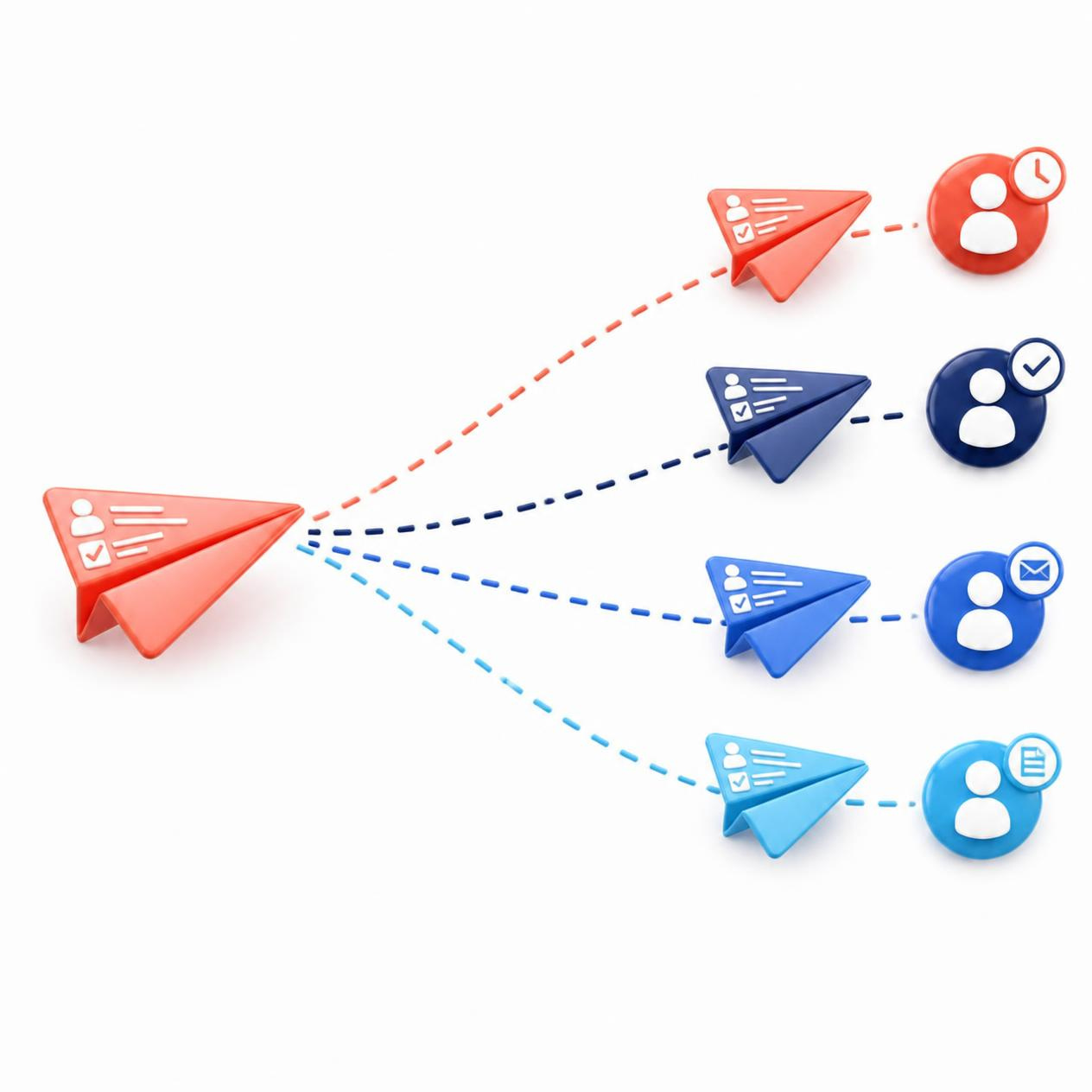
Not every hire comes through the same door. Sometimes it’s one person joining on a specific date, and sometimes it’s a batch of new recruits starting together after a hiring drive. Runtime HRMS handles both – add a single new hire directly from the HR portal or send onboarding invite links to an entire batch at once and let each person fill in their own details.
- Add a new hire directly from the HR portal
- Send onboarding invite links to multiple candidates at once
- See how many invited candidates have started versus how many haven’t opened the link yet
- Review and approve submitted details before finalizing
Talk to an expert today!
Learn how Runtime HRMS can help your organization.
Risk Free, No commitment
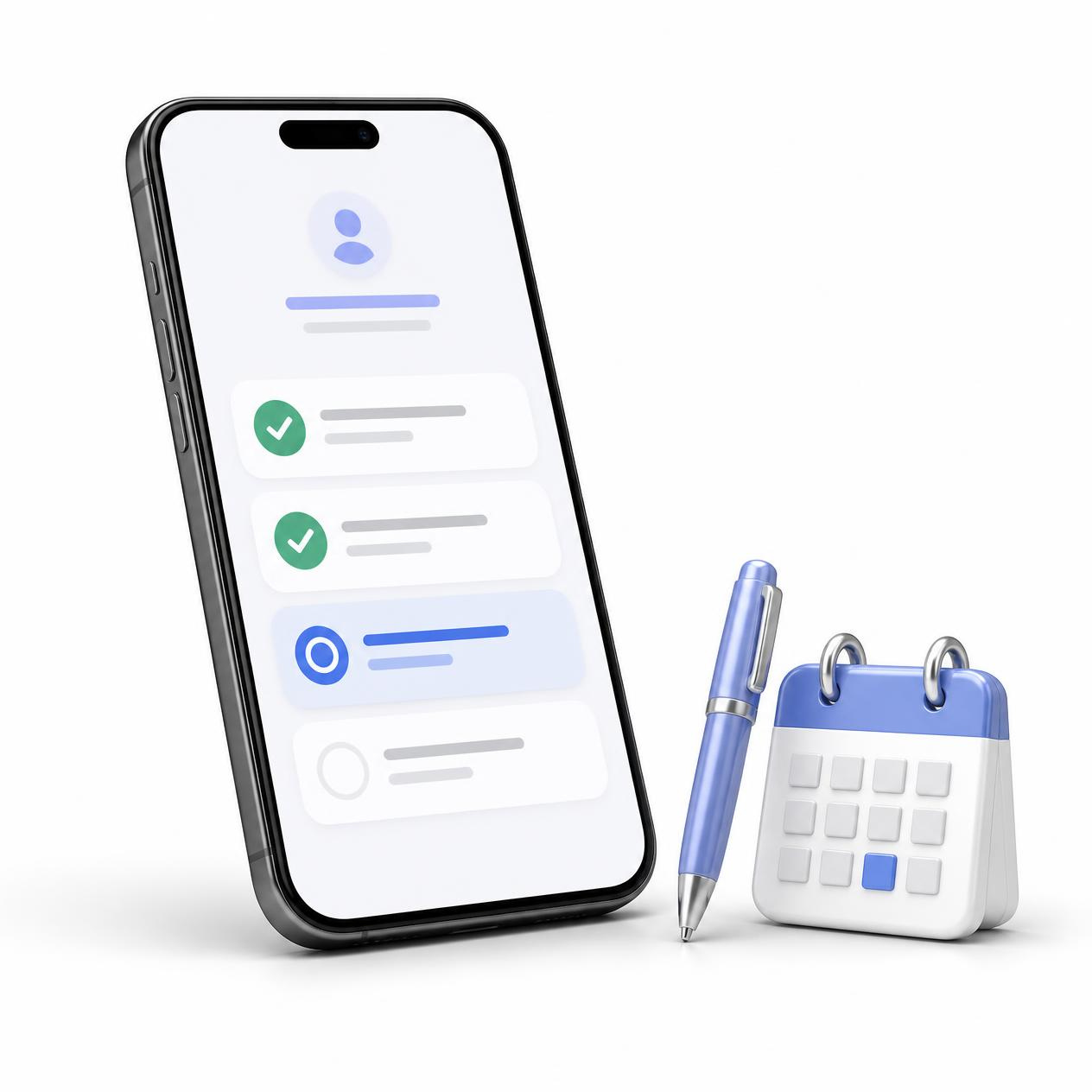
Give Every New Hire a Self-Onboarding Experience That Actually Feels Effortless
There’s a difference between telling someone they’re onboarded and having them actually feel ready on day one. Runtime HRMS’s self-onboarding portal lets candidates fill in their own information, sign what needs signing, and see what’s expected of them before they’ve even met their manager in person – so the actual first day is about people, not paperwork.
- Let candidates complete onboarding remotely, before their joining date
- Collect e-signatures on forms and policy acknowledgments
- Give new hires visibility into their first-day schedule and reporting details
- Provision mobile app accesses the moment onboarding is approved
Approve Onboarding Details and Assign Work Profiles in One Step
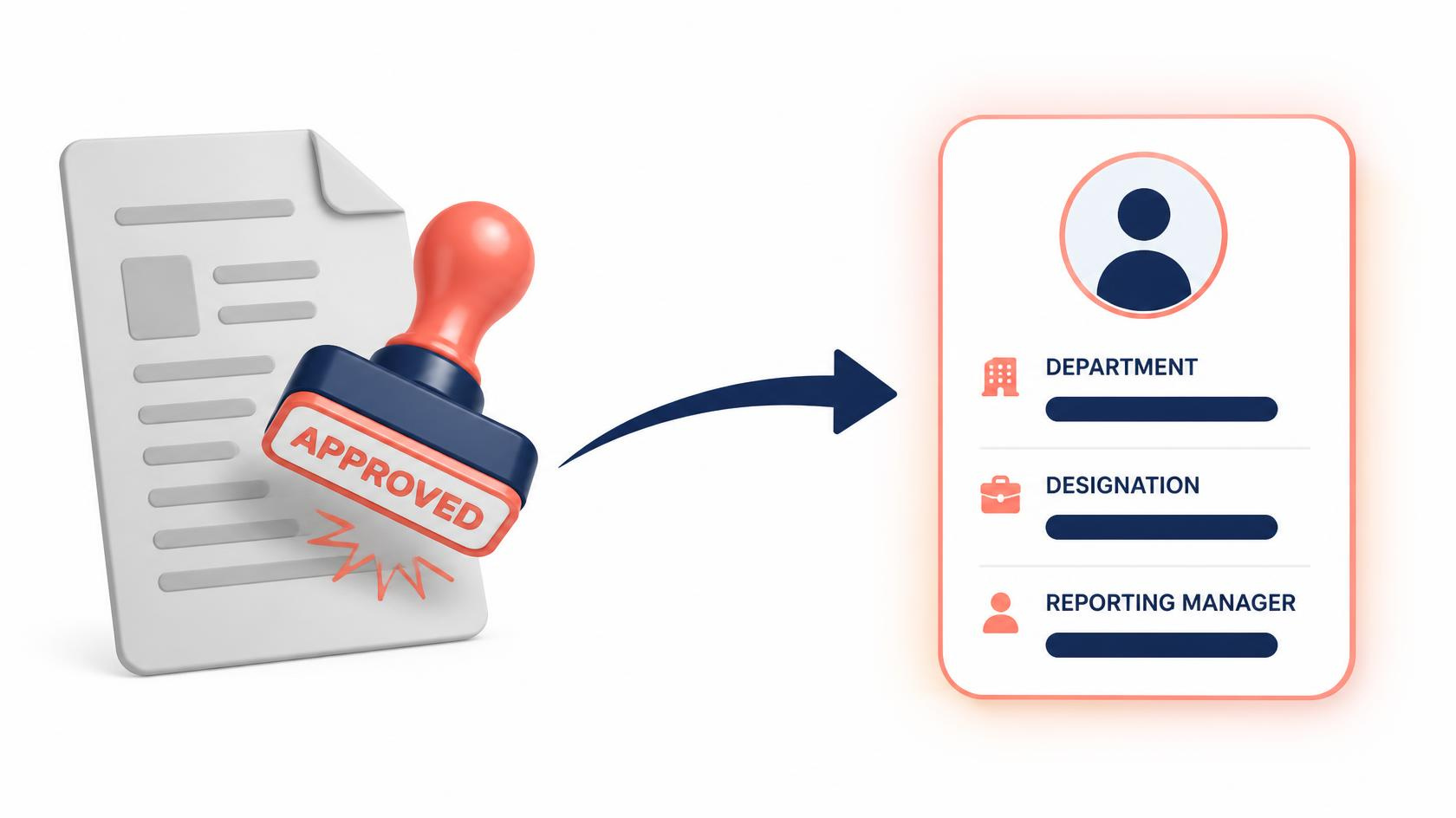
Once a new hire has submitted their details, there’s usually a second round of data entry waiting – someone has to copy that information into the actual employee profile, assign a department, set a designation, decide which policies apply. Runtime HRMS skips that step. Approving a submitted onboarding case turns it directly into a live work profile, using the information the new hire already provided.
- Review submitted onboarding details before approving
- Assign department, designation, and reporting manager during approval
- Apply the right policies automatically based on role or location
- Keep a record of the new hire’s work profile from their very first day
Keep New Hires and Managers in the Loop With Automated Notifications
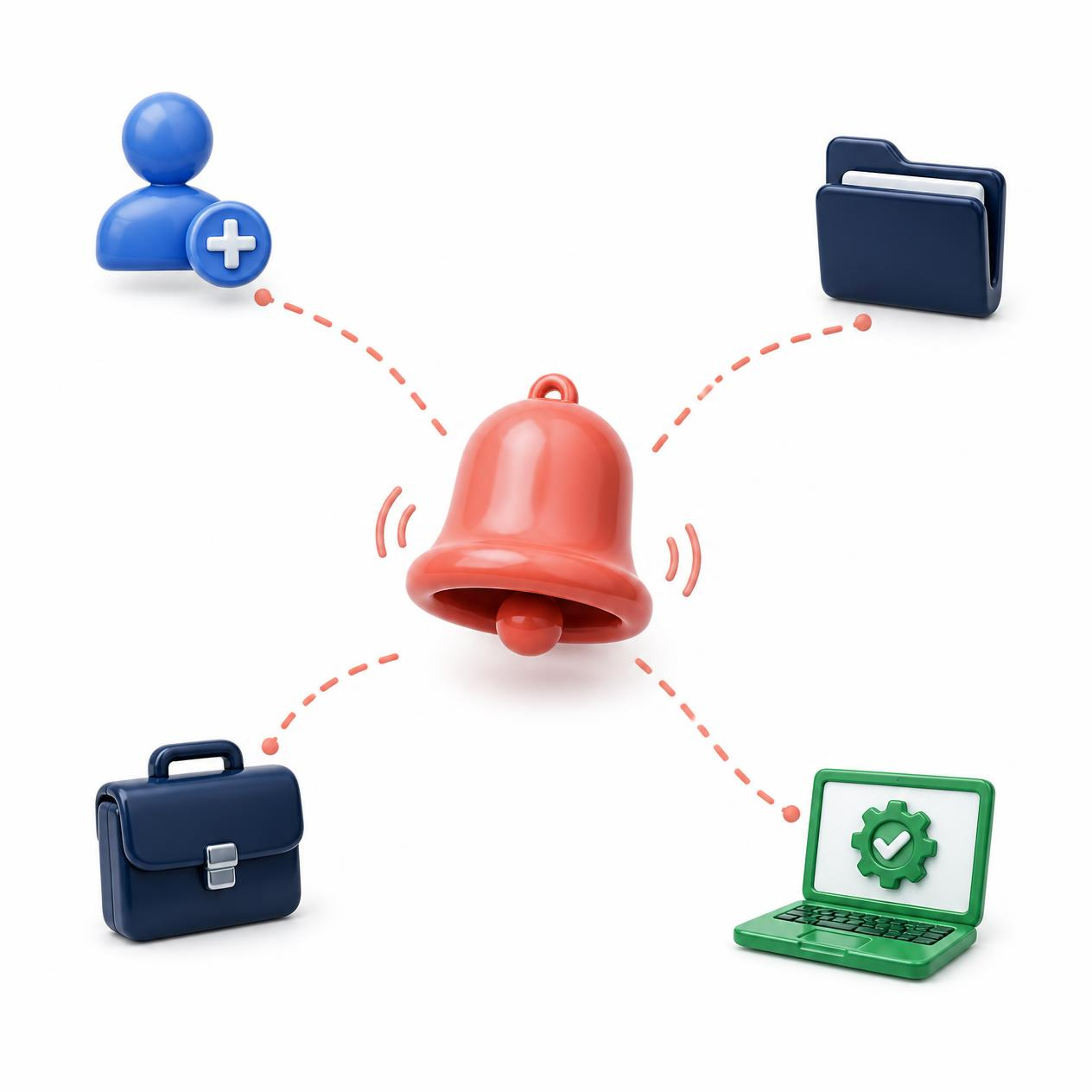
Onboarding usually involves more people than just HR and the new hire – a manager waiting to know when someone’s ready to start, an IT team that needs a heads-up before day one. When updates depend on someone remembering to send an email, they don’t always go out on time. Runtime HRMS sends the right notification to the right person automatically, so nobody’s left checking in to ask what’s going on.
- Notify new hires when a form or document is still pending
- Alert HR the moment a candidate completes their onboarding steps
- Remind everyone involved as a joining date approaches
- Keep hiring managers updated on new hire readiness without asking
Assign Day-One Assets Before a New Hire Even Walks In
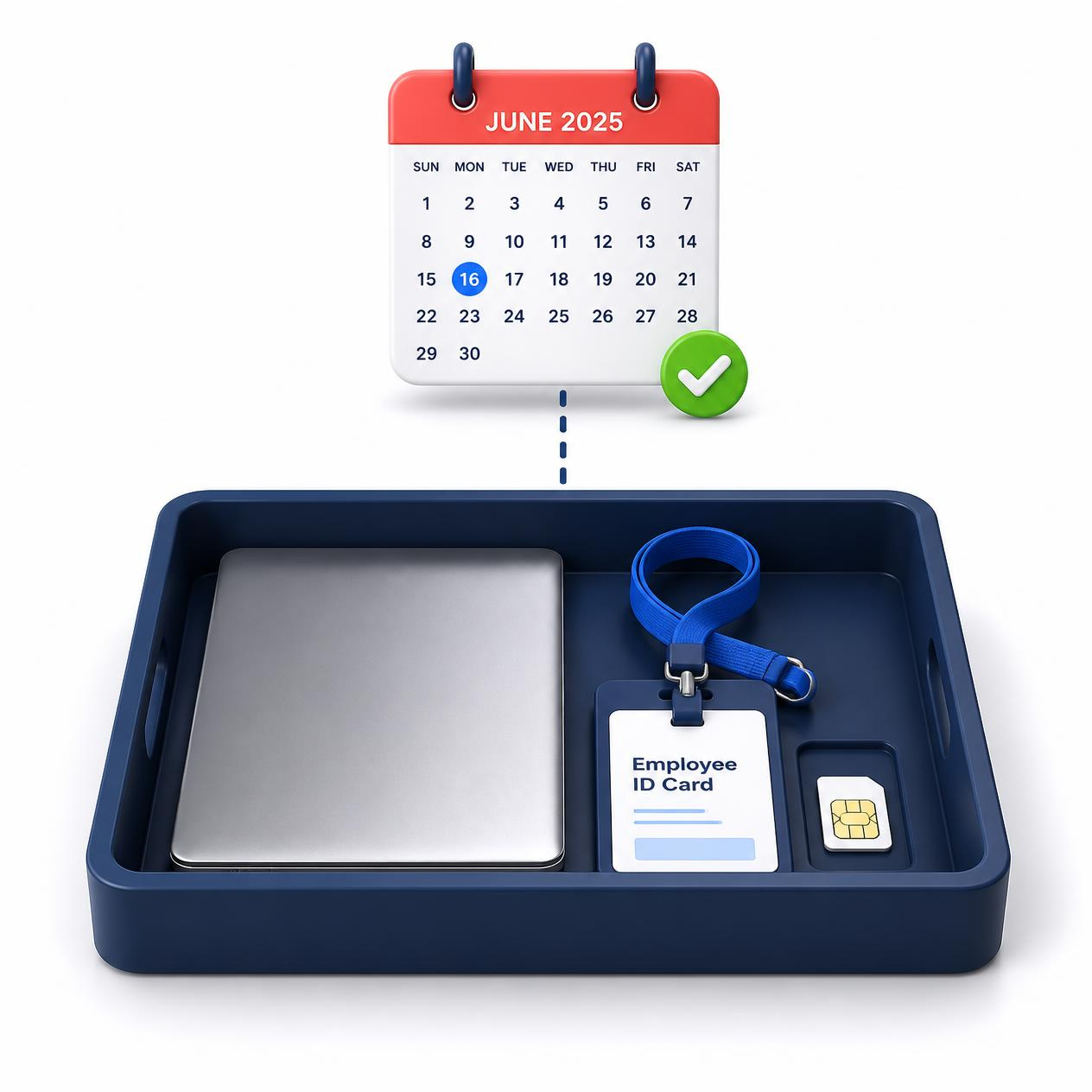
A laptop that’s still being configured on someone’s first morning, or an ID card that hasn’t been printed yet, makes day one feel unprepared no matter how smooth everything else was. Runtime HRMS lets you assign laptops, ID cards, SIM cards, and other assets as part of the onboarding process itself, so IT and admin know exactly what to have ready before the joining date, not after.
- Give IT and admin a shared view of what’s pending before day one
- Download asset-readiness reports ahead of every joining date
- Track warranty and expiry dates on issued assets from day one

Track Onboarding Progress Across Your Entire Organization
When hiring picks up, it’s easy to lose track of who’s actually where in the process – one new hire waiting on a document, another ready to start, a third whose joining date quietly slipped by. Runtime HRMS gives HR one view of every onboarding case in progress, across departments and locations, instead of piecing that picture together from separate conversations.
- Compare onboarding activity across departments and locations, not just individual cases
- Generate onboarding reports by department or location
- Check onboarding status on the go from the Runtime Workman mobile app
4k
Employees Added
15k
Letters Issued
27k
Payslips Generated
500k
Punches Processed
* Average Quarterly Numbers
Services & Features
India’s Best Employee Onboarding Management Software with Features to Save Time & Effort!
Pre-Joining Checklist
A structured list of steps a new hire completes before their start date, visible to both HR and the candidate so nothing gets missed in the gap between offer and joining.
KYC & Bank Detail Capture
Collect and verify Aadhaar, PAN, and bank account details as part of onboarding, ready to hand off to payroll without asking twice.
Induction Schedule
Share a first-week induction plan so a new hire knows exactly where to be, who to meet, and when – before they’ve even started.
Policy & Handbook Acknowledgment
Get sign-off on company policies and the employee handbook as a built-in step of the onboarding flow, not a separate email nobody tracks.
Buddy & Reporting Manager Assignment
Assign a reporting manager or onboarding buddy during setup, so a new hire has a named point of contact from their very first day.
Custom Onboarding Templates
Run different onboarding flows for different roles or departments instead of forcing every new hire through the same generic form.
IT Access Requisition
Raise system and software access requests as part of the onboarding case itself, so IT isn’t working off a separate, disconnected ticket.
Onboarding Analytics
See time-to-onboard, where candidates tend to drop off, and completion rates across every hire – not just whether a case is open or closed.
Pre-Boarding Engagement
Send welcome messages and useful information to candidates in the gap between accepting an offer and actually joining, so day one doesn’t feel like a stranger walking in.
Talk to an expert today!
Learn how Runtime HRMS can help your organization.
Risk Free, No commitment
Frequently Asked Questions
Got Questions?
We’ve Got Answers.
Everything you need to know about getting started, subscriptions, payment plans and more.
What is employee onboarding software?
Employee onboarding software gives new hires a self-service way to complete their paperwork, submit documents, and get set up before their first day, while HR reviews and approves from the same system instead of collecting everything manually over email.
Can new hires complete onboarding remotely, before their actual joining date?
They can. Most of a new hire’s forms and document uploads happen through the portal on their own schedule, sometimes days or weeks before they ever set foot in the office. HR still reviews everything before it’s finalized, but nobody’s redoing paperwork in person on day one.
How does Runtime HRMS help with EPF and UAN compliance for new hires?
EPFO now requires a UAN tied to a verified Aadhaar, PAN, and bank account for every new EPF member, and as of August 2025 employees handle their own UAN generation through Aadhaar face authentication on the UMANG app instead of going through the employer. What Runtime HRMS does is collect and check those KYC details during onboarding itself, so the information is already sitting there ready for UAN linkage rather than something payroll has to track down after the people already started.