
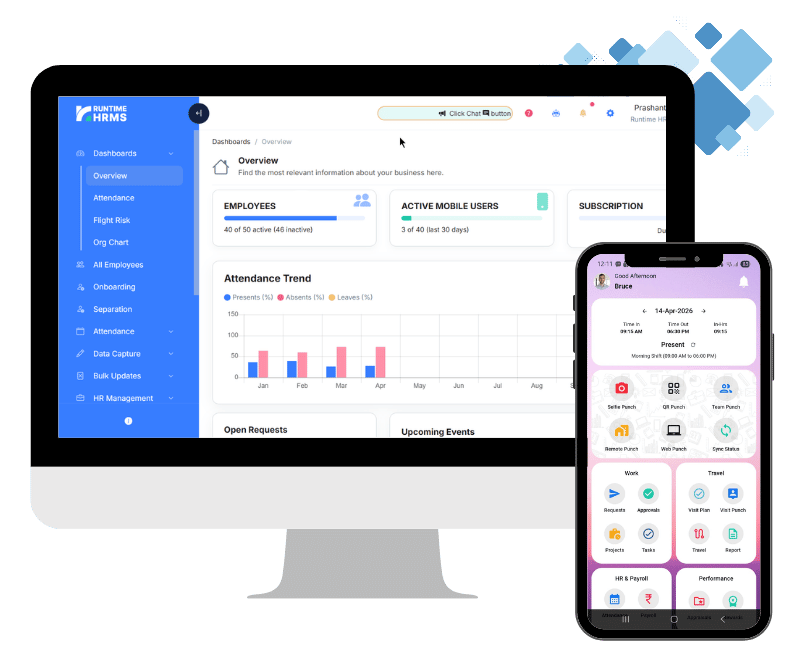

Introducing SpringVerify Integration in Runtime HRMS: Seamless Employee Background Checks
Employee background verification is a crucial part of hiring – especially in a growing organization where trust, compliance, and workforce quality matter more than ever. To make this entire process faster and more reliable, Runtime HRMS now integrates directly with SpringVerify, one of India’s most trusted background verification platforms.
With this integration, HR teams can initiate, track, and manage background checks without leaving Runtime HRMS – saving time, reducing errors, and improving the onboarding experience.
What Is an Employee Background Check?
An employee background check is a verification process conducted before (or sometimes after) hiring to confirm a candidate’s identity, credentials, and past records. This may include:
ID verification
Employment history
Education verification
Address verification
Criminal record checks
Reference checks
The purpose is simple: ensure that the person joining your organization is genuine, qualified, and trustworthy.
Why Employee Background Check Is Important?
Background checks help protect your company from risks such as fraud, misrepresentation, compliance issues, and workplace misconduct. Some of the key benefits include:
Better hiring decisions – Verifies candidates’ claims before onboarding
Mitigates risks – Prevents potential fraud or legal complications
Ensures workplace safety – Confirms the employee’s identity and history
Builds trust – Shows clients and partners that your team is reliable
Compliance-friendly – Helps meet due-diligence requirements for regulated industries
For HR teams, reliable background verification is no longer optional – it’s a vital part of growing a trustworthy organization.
What Is SpringVerify?
SpringVerify, by SpringWorks, is a modern background verification platform used by businesses of all sizes across India. It offers:
Fast and digital verification workflows
Multiple verification packages (ID, education, employment, address, criminal checks, etc.)
Easy status tracking
Candidate-friendly experience
API-based automation
With SpringVerify, companies can complete checks in days, not weeks, and maintain complete transparency throughout the process.
SpringVerify’s Integration with Runtime HRMS
Our new built-in integration allows you to connect your SpringVerify account to Runtime HRMS in just a few clicks. Once connected, you can initiate background checks directly from Runtime HRMS and track the verification progress – all in one place.
Key highlights of the integration:
Quick integration using API token
Start background checks within Runtime HRMS
View the status of each verification in real time
Fully synced with your purchased SpringVerify packages
No need to switch between multiple dashboards
How to Integrate SpringVerify With Runtime HRMS
Step 1: Sign Up at SpringVerify
Log into your SpringVerify account.
Click here to create an account if you are not already registered.
Step 2: Generate Your API Token
Navigate to Settings → API and click Generate Token.
Put a name like Runtime HRMS
Select the “Never Expire” option for smoother, uninterrupted usage.
Click on Save to generate token.


Step 3: Open SpringVerify Integration in Runtime HRMS
In Runtime HRMS, go to:
Setup → Integrations → SpringVerify

Copy the token from SpringVerify and paste it inside Runtime HRMS.
Click Save. If the token is valid, you will see a success message.
How to Initiate an Employee Background Check
Once the integration is active, you can start verification instantly.
Step 1: Go to Background Check Module
Navigate to:
HR Management → BG Checks → Add New
Search and select the employee
Choose one of the verification packages (based on what you’ve purchased from SpringVerify)
Click Start Background Check.
The employee will receive a link to upload personal documents and details required for verification.

Tracking Background Verification Status
You can track the current status of the verification anytime by visiting:
All Employees > Open Employee Record → BG Checks tab
This helps you follow up, monitor progress, and ensure timely completion.

Conclusion
With the SpringVerify integration, Runtime HRMS brings background verification directly into your HR workflow – making the process faster, simpler, and more efficient. Whether you’re hiring at scale or onboarding a few candidates a month, this integration ensures every check is accurate and conveniently managed.
If you’re already a Runtime HRMS user, set up the integration today and streamline your hiring lifecycle. If not, now is the best time to explore how Runtime HRMS can simplify HR and payroll for your organization.